Overview
You may be wondering the difference between the Project Portal that I had sent you earlier and the Client Portal that you are currently on. In order to avoid confusion, here is a quick comparison between the two and when you to use both.
The Project Portal (Before Launch)
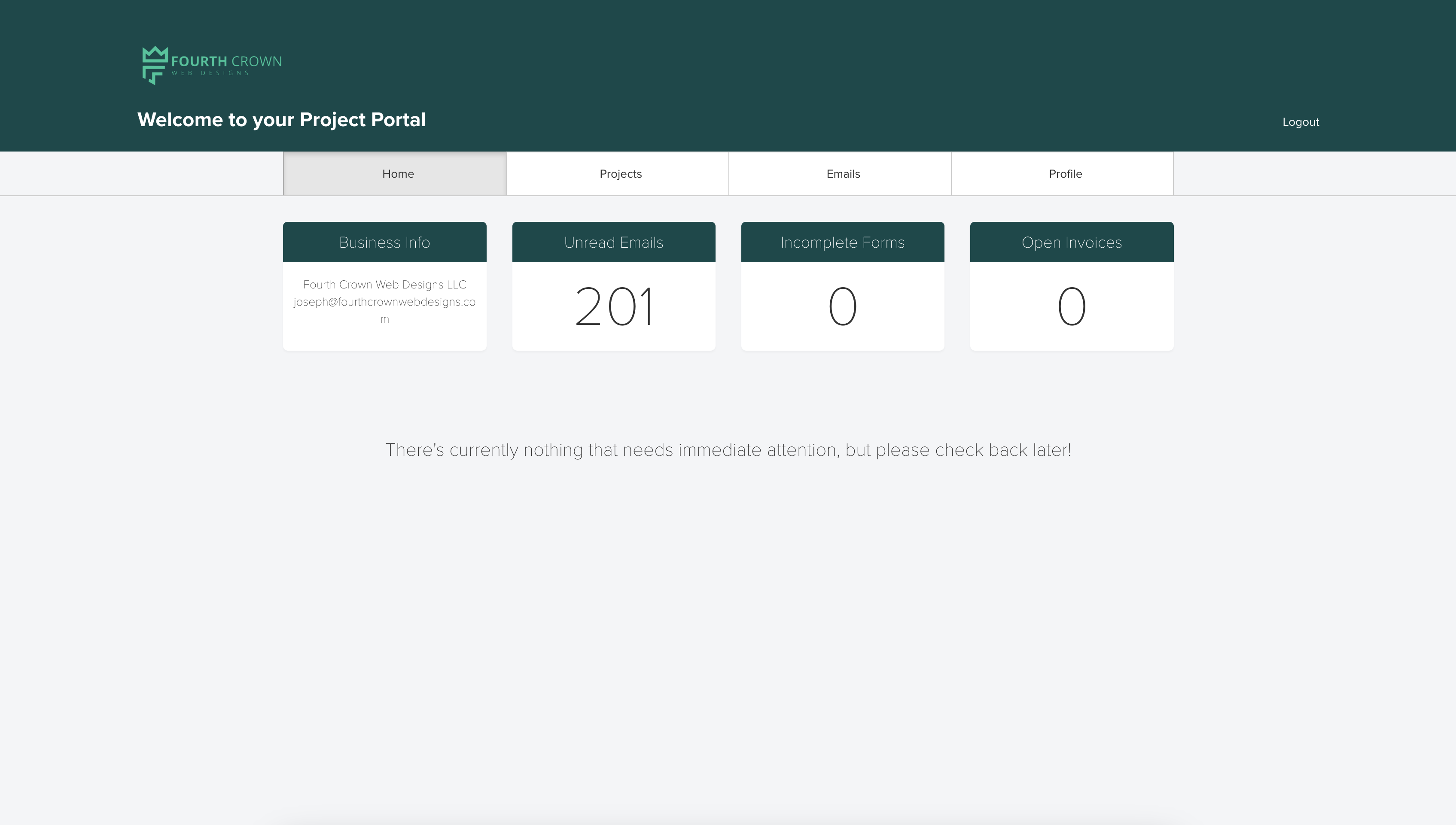
Your Project Portal is where everything happens during your website build.
This is the space where we handle all the planning, approvals, and paperwork that lead up to your launch. You’ll use it for:
Viewing and signing contracts
Filling out forms and questionnaires
Reviewing proposals and timelines
Making payments (including your Website Care Plan invoices)
Checking on project phase statuses
It’s specific to your individual project and is mostly used until your website is officially launched. The only time you may need to check it after that is to check on invoices throughout the website care plan.
Think of the Project Portal as your pre-launch workspace.
The Client Portal (After Launch)
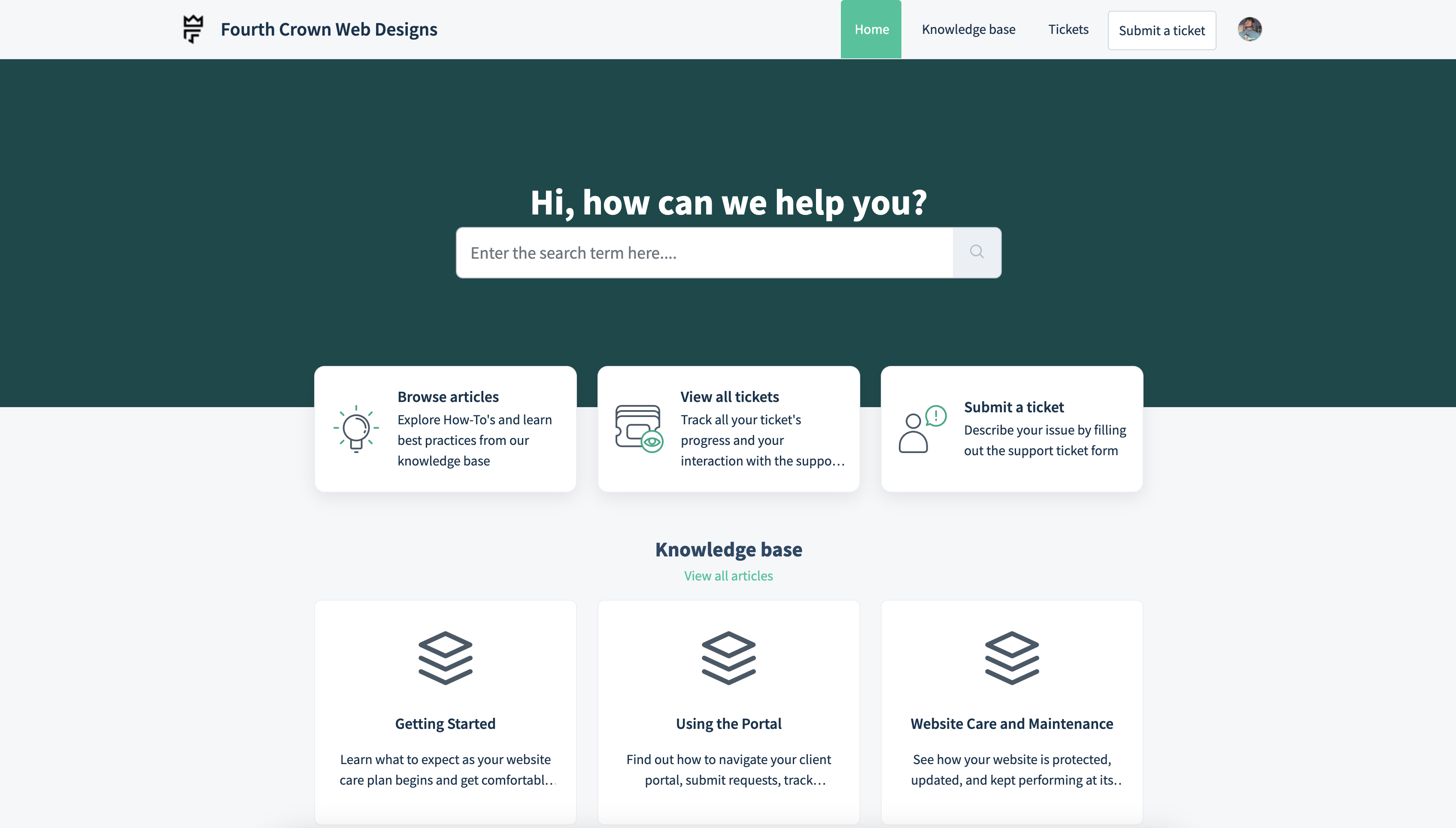
Once your website is live and your Care Plan begins, you’ll switch over to the Client Portal.
This is your long-term support hub, built just for ongoing Website Care clients. You’ll use it for things like:
Requesting edits or content updates
Reporting bugs or technical issues
Asking questions about your site or plan
Accessing tutorials and Knowledge Base articles
Viewing your ticket history and progress
The Client Portal is where all communication happens after deployment. It keeps everything organized so your requests never get lost in an email thread.
Think of the Client Portal as your post-launch command center.
Was this article helpful?
That’s Great!
Thank you for your feedback
Sorry! We couldn't be helpful
Thank you for your feedback
Feedback sent
We appreciate your effort and will try to fix the article